What is Scout?
Scout is Signal's data, connected to your AI assistant over MCP. Add it to Claude, ChatGPT or any MCP-enabled assistant and ask in plain English.
Who is Scout for?
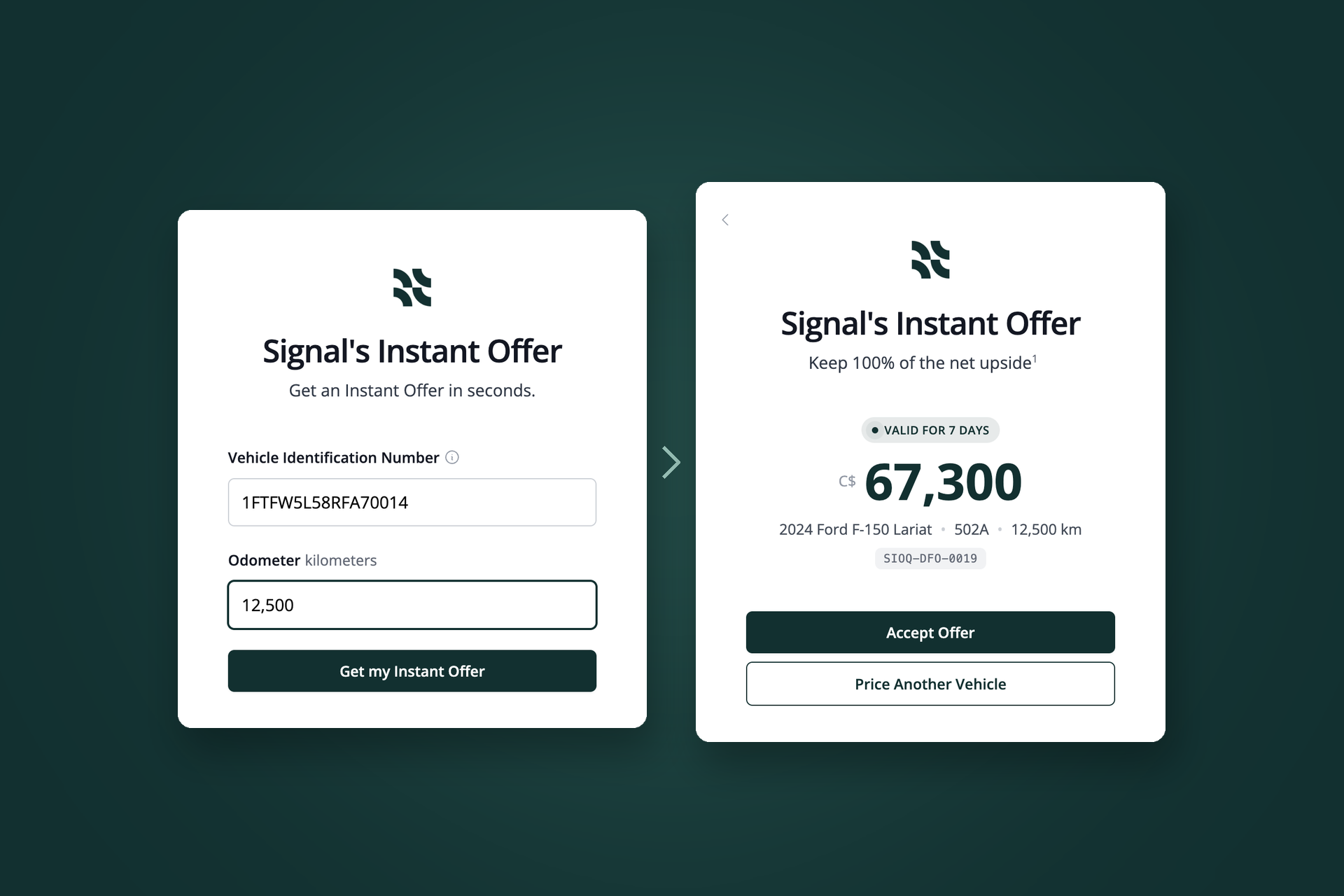
Dealers who already work with Signal. Canadian dealers get Instant Offer in their chat; US dealers get market data, appraisals and Signal Marketplace inventory. Not working with Signal yet? Request access and our team will get you started.
Request access →How do I get it?
If your store works with Signal, connect it yourself with the steps above and sign in with your Signal account. No new login needed. Your Signal rep can help if you get stuck.
What data does Scout include, and what doesn't it?
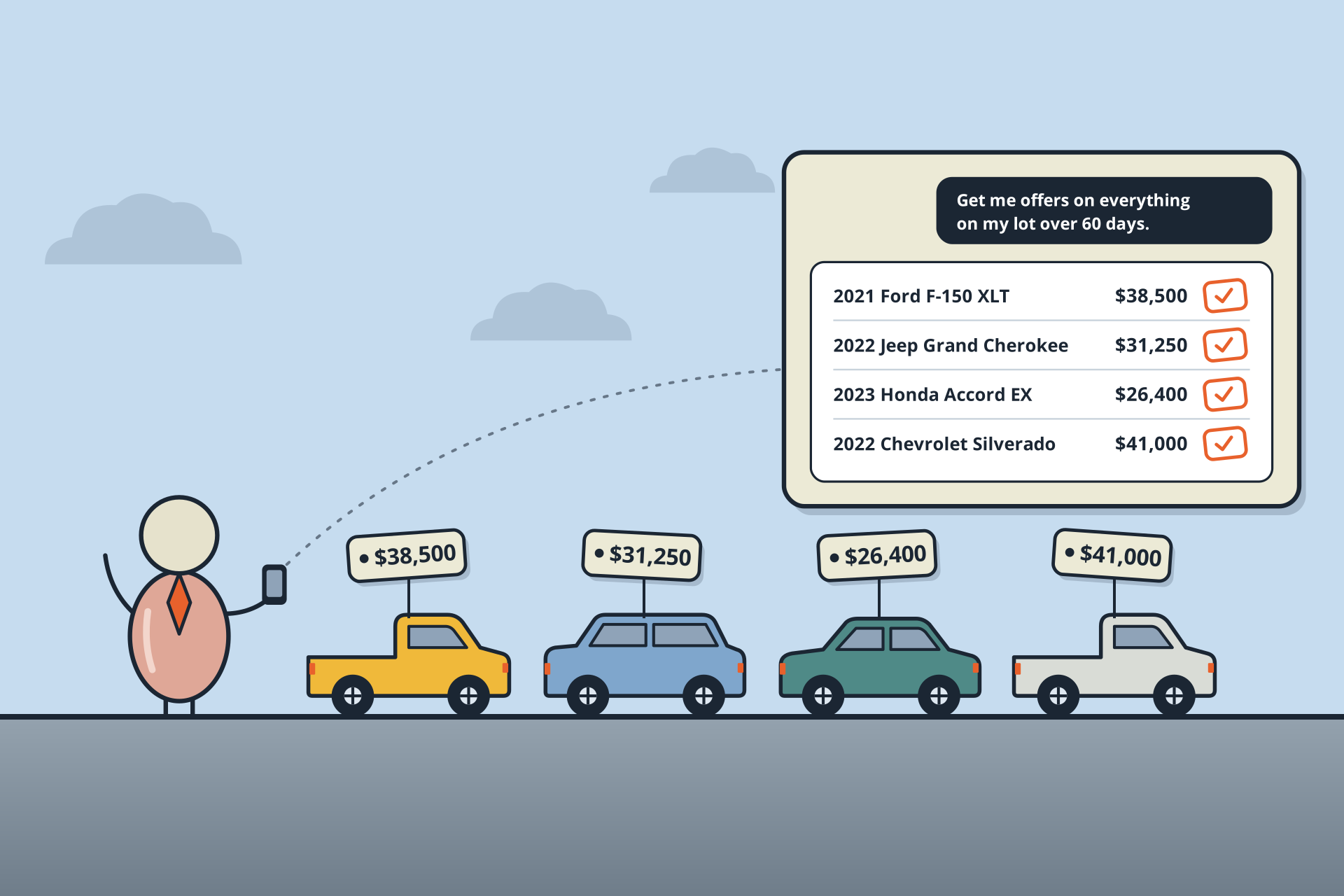
US dealers get retail listings and pricing across the US market, demand and days-of-supply signals, years of history and Signal Marketplace inventory. Canadian dealers get Instant Offer. Scout does not include wholesale values or any dealer's proprietary data.
Where does the data come from?
Public retail listings across the US market, analyzed continuously for years. Scout does not use any dealer's private data, including yours.
How current is the data?
Scout's data is refreshed daily.
Can Scout see the units currently crossing?
Yes. US dealers can ask what's on Signal Marketplace now, including units they can reserve while they clear DOT hold.
Is my data shared with other dealers?
No. Scout reads public retail listings. Your claims and your conversations with Scout are yours.
What does Scout cost?
Talk to your Signal rep about pricing. For dealers actively buying vehicles through the platform, Scout is free to use.
Which assistants does it work in?
Claude, ChatGPT or any assistant that supports remote MCP servers. Use the same URL: https://scout.ml.signal.vin/mcp
My company manages our AI tools. What do I need?
On Claude Team or Enterprise and ChatGPT Business or Enterprise, an admin may need to add or allow Scout before you can connect it.
Can’t find where to add Scout in ChatGPT?
Menu names vary by plan. If you don’t see Plugins, go to Settings → Apps → Advanced settings, turn on Developer mode, then create the connector there with the same URL.



 US dealers
 Canadian dealers
 Scout in Claude
 ChatGPT